Remote control for your computers
Off
Shut down, restart, sleep and wake your PCs and Macs from your phone or Apple Watch. From the sofa, or from anywhere.

Get the app
Free for iPhone, iPad and Apple Watch, and for Android.


- Off finds the computers on your Wi-Fi that have the helper.
- To reach a computer from anywhere, link it with the QR code in its helper.
Put the free Off Helper on each computer
It's a small app that carries out the commands. Open this page on each computer you want to control.
Not this computer? All the downloads are below.
 Download Off Helper for Windows 64-bit
Download Off Helper for Windows 32-bit
Download Off Helper for Windows 64-bit
Download Off Helper for Windows 32-bit
 Download Off Helper for macOS
 Download Off Helper for Linux
Free. The Mac and Windows helpers keep themselves up to date. The Linux helper needs Java and a little setup; its download includes a guide.
How it works
One tap, and it's off
The app sends the command and the Off Helper on the computer carries it out. When you want it back, Off wakes it up again.
- Tap Shutdown, or ask Siri. Off sends it to the computer.
- The Off Helper shuts the computer down, and Off shows it's off.
- Tap Wake and the computer comes back on, using Wake-on-LAN.
A look inside
Every computer, one tap away
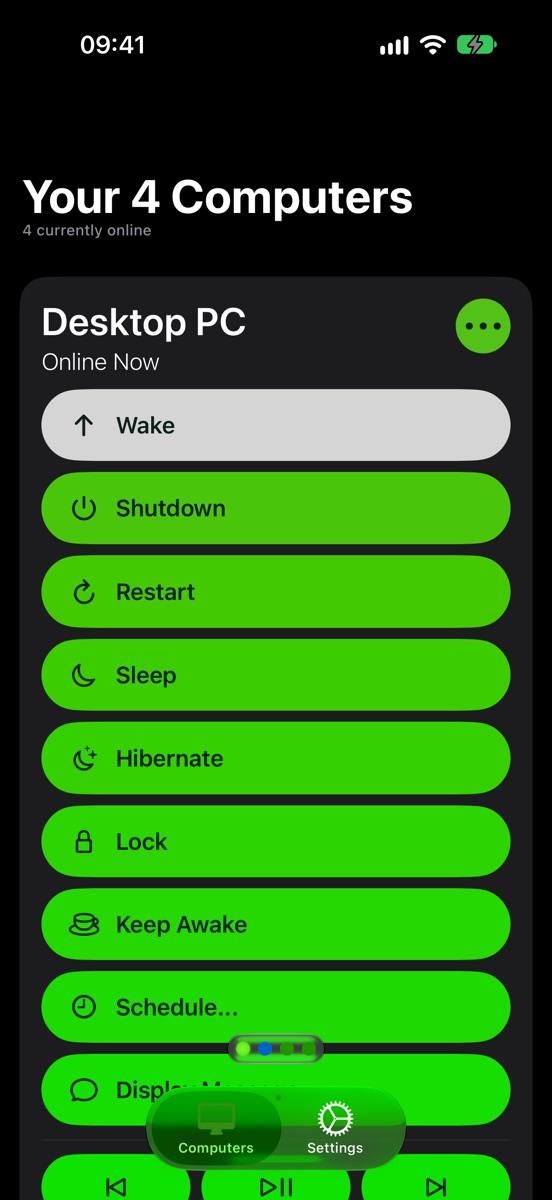
All your computers, ready to go 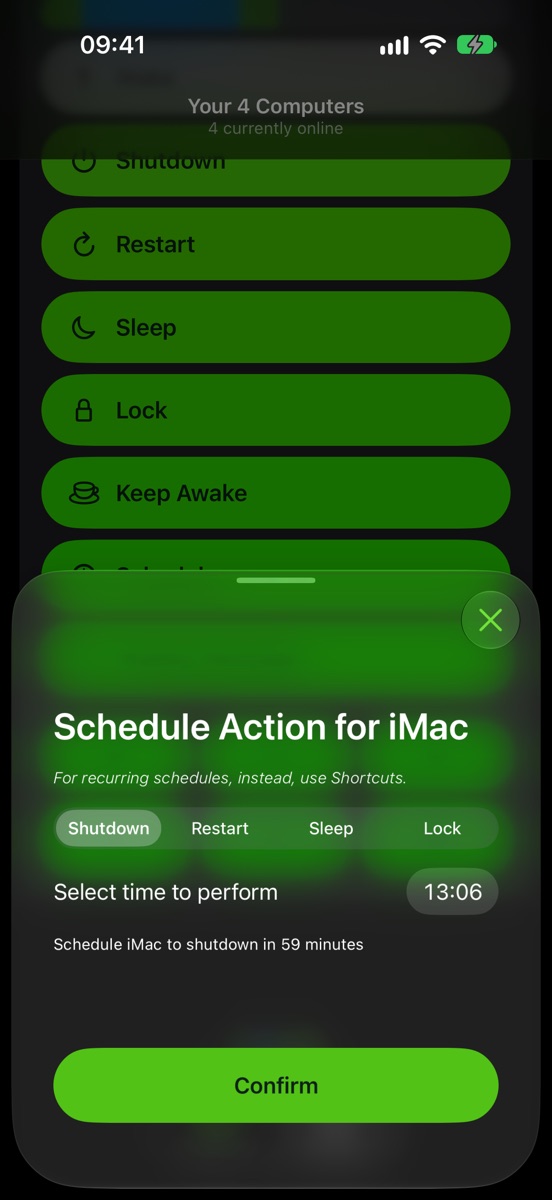
Schedule a shutdown for later 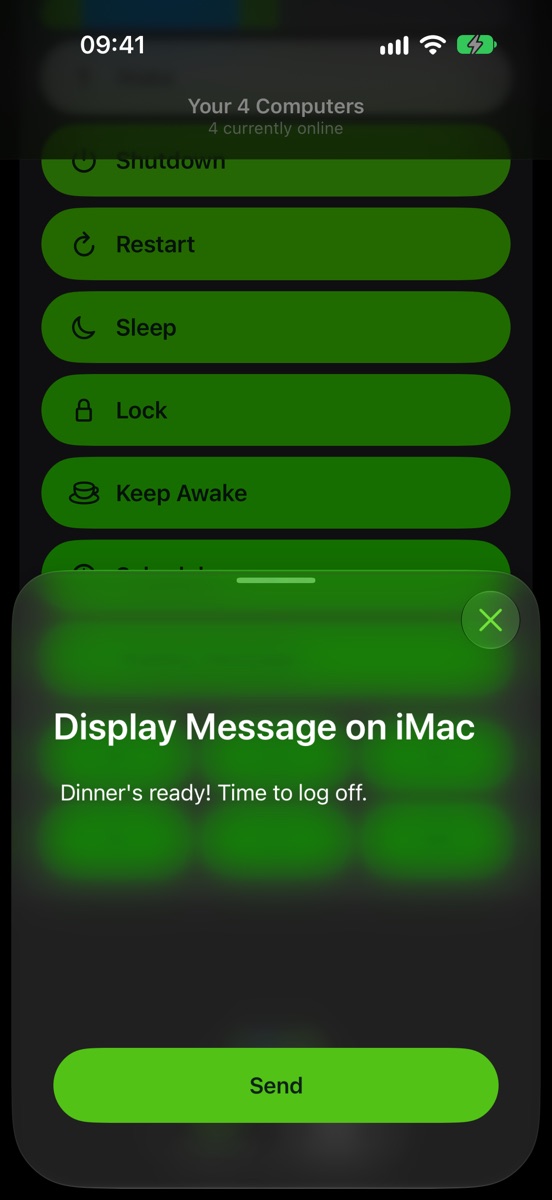
Put a message on their screen 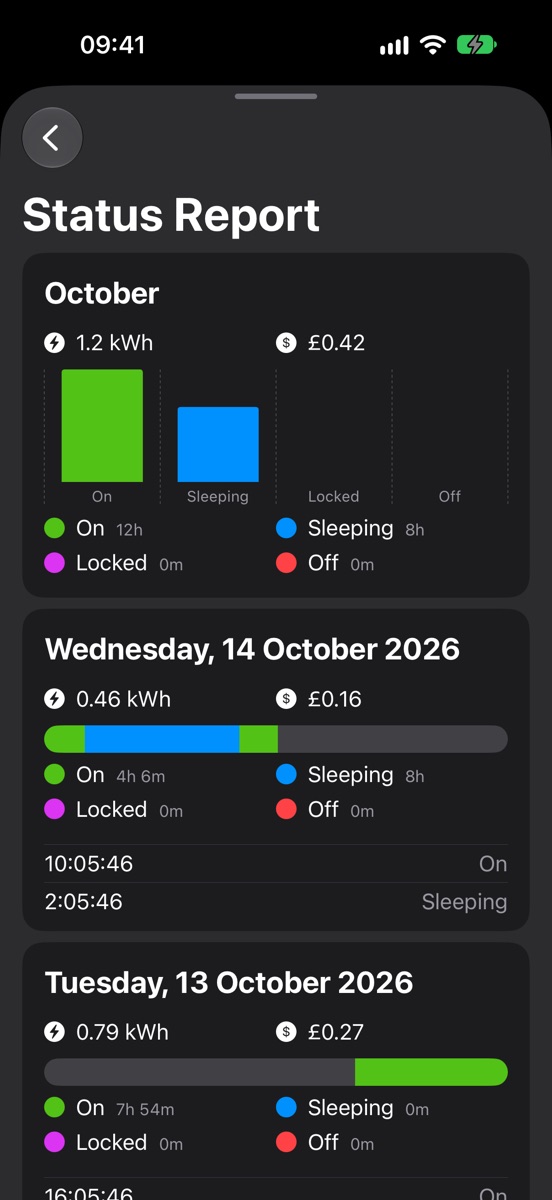
See when it's on, and what it costs 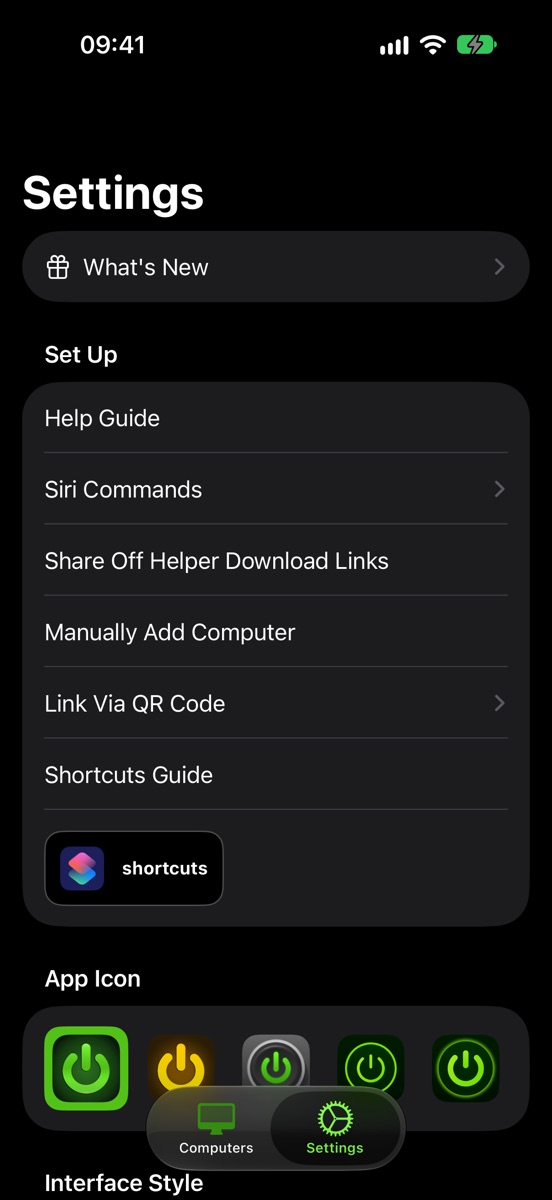
Make it your own
Swipe for more
What it does
More than an off switch
-
Every command you need
Shut down, restart, sleep, hibernate or lock a computer. Keep it awake while something finishes, or put a message on its screen. -
Wake it up again
Off turns computers back on with Wake-on-LAN, even when you're away from home. The Wake-on-LAN guide shows how to set it up. -
At home or anywhere
Off finds your computers on your Wi-Fi, and reaches them over the internet when you're out. Scan a QR code to link one that's somewhere else. -
Schedules
Shut a computer down at bedtime, or when the film ends. On iPhone a Live Activity counts down on your Lock Screen, with a button to cancel. -
Siri and Shortcuts
Say "Hey Siri, shut down Desktop PC". Add Off to your Shortcuts automations, or put its buttons in Control Center. -
Apple Watch and widgets
Control your computers from your wrist. Widgets show which are on, and their battery, on your Home Screen and Lock Screen. -
Know what's on
Get a notification when a computer turns on, goes to sleep or drops offline. The status report shows how long it was on, and what the electricity cost. -
Media controls
Play, pause and skip whatever's playing on the computer, without getting up. -
Yours alone
Give a computer a password so only you can control it. Your computers sync to your other devices through iCloud. -
Windows, Mac and Linux
The free Off Helper runs on Windows PCs, Macs and Linux computers, including a Raspberry Pi.
Free to download
Shutting down is free
Shutdown, Wake and messages are free on every computer, and the Off Helper is always free. For everything else, there are a few ways:
People say
Switching things off since 2012
★★★★★Working perfect. Helping me to see other computers in other rooms and switch them off and do not have to run up and down.
★★★★★Very nice works well I got this app because I use my computer for music and my daughter kept stealing it when I went to do something for about a minute
★★★★★As a lazy person, I really appreciate this app
Help
Guides
Details
- The appiPhone and iPad with iOS 17 or later, Apple Watch with watchOS 10 or later, and Android 8 or later
- The helperWindows 10 or later (64-bit or 32-bit), macOS 13 Ventura or later, and Linux, including Raspberry Pi
- PriceFree, with optional in-app purchases. The Off Helper is free.
- LanguagesEnglish, French, German, Spanish, Russian, Japanese, Korean and Chinese (Simplified)