A sleep timer for any app
Smart Sleep Timer
Fall asleep to a podcast, music or an audiobook. Smart Sleep stops it when it hears you snoring, so you don't wake up hours further on.


Free on iPhone and iPad
How it works
It stops when you drop off
An ordinary sleep timer guesses how long you'll stay awake. Smart Sleep listens instead, and stops the audio once you're asleep.
- Start your podcast, music or audiobook in any app, then start Smart Sleep.
- Smart Sleep listens for snoring, checking every 15 seconds.
- When it's heard snoring for half of the last 5 minutes, it stops the audio.
Three ways to stop
Whichever comes first
Use one, or combine them. The first one to happen stops the audio.
-
When snoring is heard
Smart Sleep listens for snoring and stops the audio once you're asleep. You choose how sure it has to be, and over how many minutes. -
After a delay
The classic sleep timer: stop after 30 minutes, or however long you like. Still awake? Tap Extend Time. -
At a set time
Stop at a time on the clock, like midnight, however you're getting on with that audiobook.
A look inside
Simple at bedtime
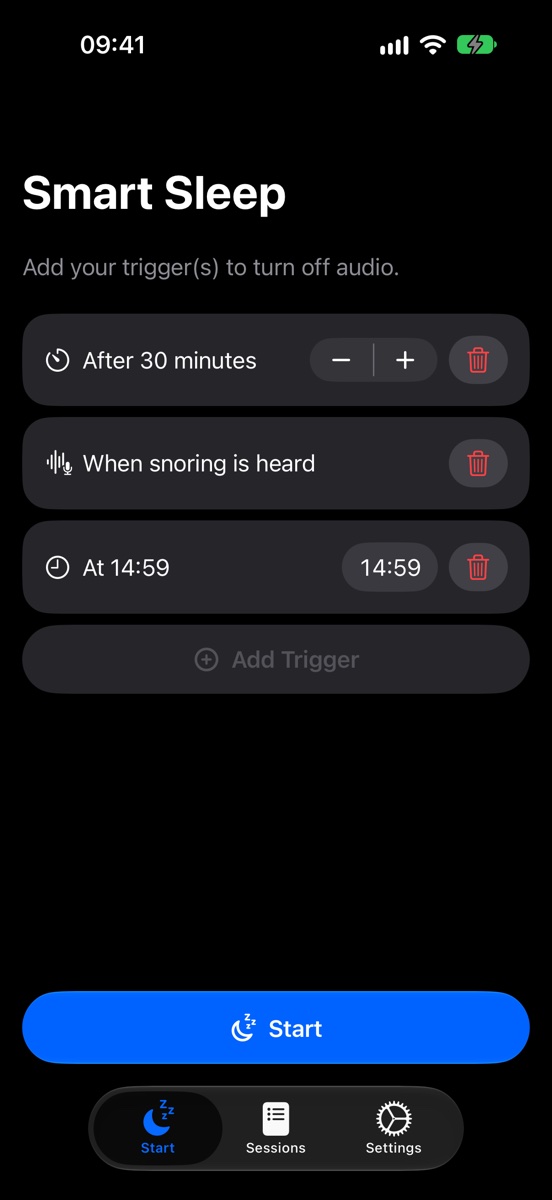
Pick your triggers 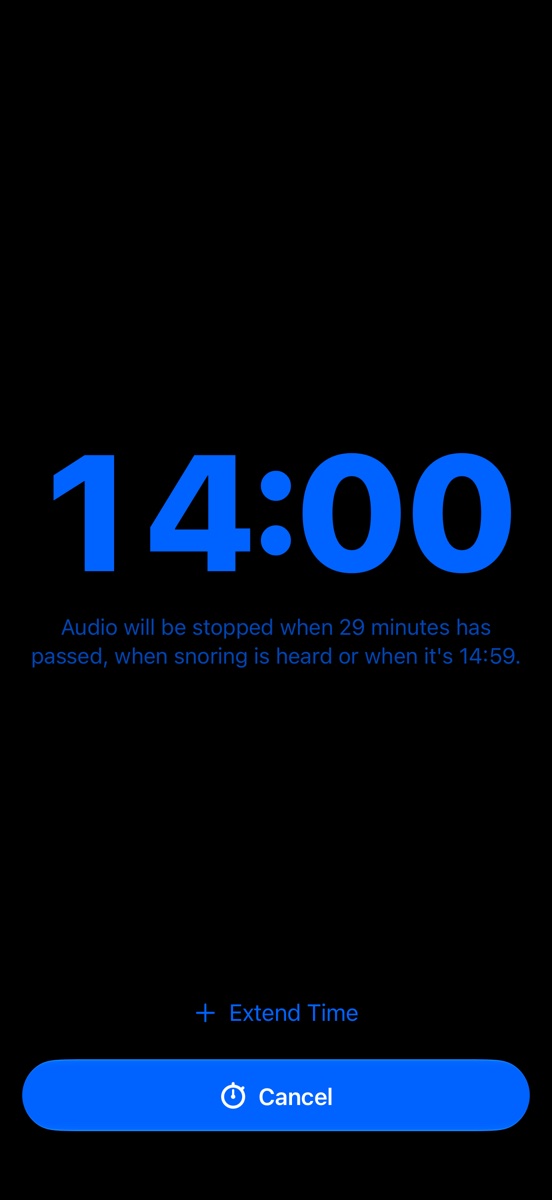
Then put the phone down 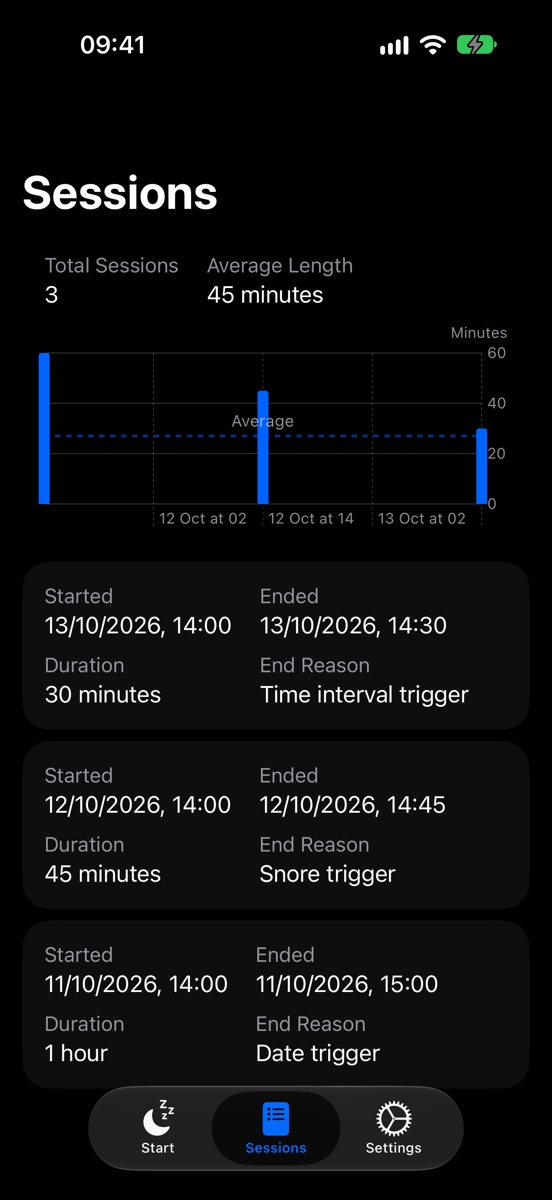
See every night's session 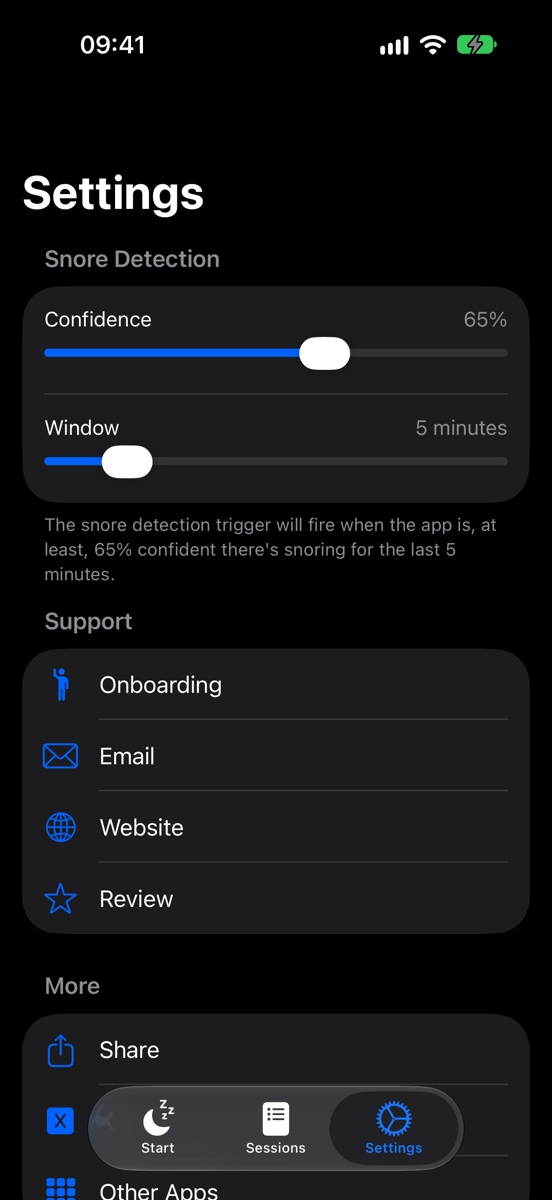
Tune the snore detection
Swipe for more
What it does
Made for falling asleep
-
Works with any app
Podcasts, music, audiobooks or videos: start them as usual, in whatever app you use. Smart Sleep doesn't need its own player. -
Listens on your iPhone
Snoring is detected with Apple's on-device sound analysis. Smart Sleep keeps what it heard (snoring or not), never the sound itself. -
See your nights
Every session is saved: when it started, how long it ran and what stopped it, with a chart of your recent nights. You can watch the snore detection while a session is running, too. -
Snore detection your way
Set how confident it must be that it's hearing snoring, and over how many minutes, to suit you and your bedroom. -
Extend Time
Not sleepy yet? Add more time to a running timer with one tap. -
Tidies up after itself
If nothing has played for 10 minutes, the session ends by itself, so a forgotten timer doesn't keep running.
Good to know
Tips for a good night
- Leave Smart Sleep open for snore detection. It has to be on screen to listen, so it keeps your phone awake and dims its buttons. The timers keep working in the background.
- Plug in at night if you use snore detection, as the screen stays on while it listens.
- Put your phone near your pillow so it can hear you over the podcast.
Details
- Works oniPhone and iPad with iOS 18.2 or later
- PriceFree
- LanguageEnglish
- Made byBridgeTech Solutions, in the UK